Getting started
How FocusCrew works
Plan your work, build habits, and focus alongside others. Everything connects, but you can start with just one thing.
Step 1 · Focus
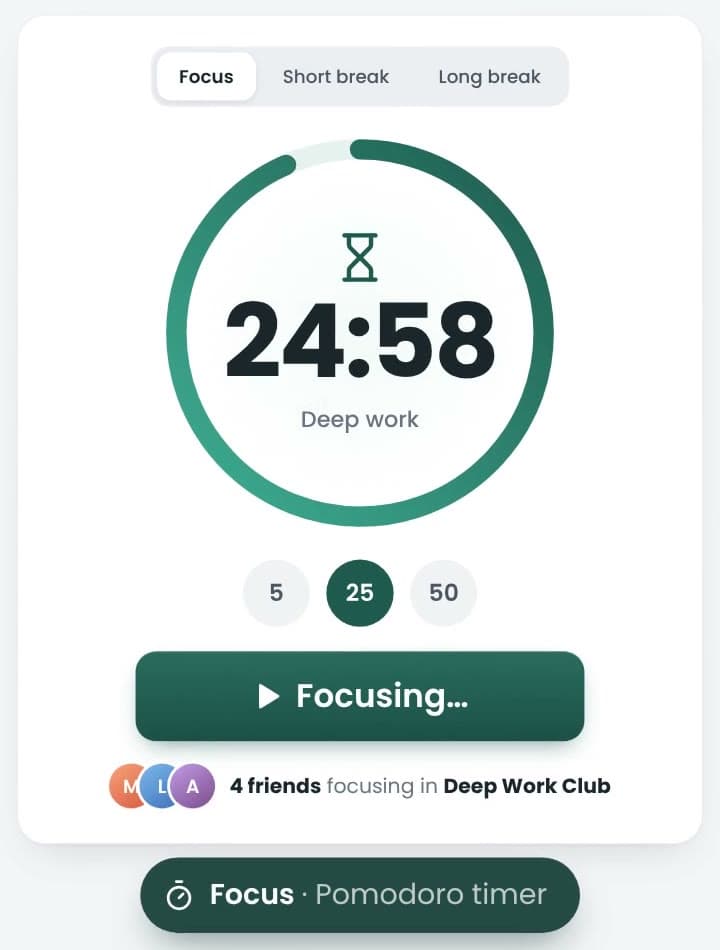
Pick a session. Start.
Choose how long, press start, and work until the timer says you are done.
- 5, 25 or 50 minutes, your own length, or Ultimate to run until you stop.
- Five minutes counts. When starting is the hard part, start small.
- The timer keeps time if you switch tabs, close the laptop, or pick up your phone.
How it works
Twenty-five minutes is the classic Pomodoro. The timer reads the clock rather than counting ticks, so it stays right in a background tab, and a session started on the website carries on in the phone app.
Turn on the Focus Template in Settings and breaks follow your sessions on their own. After 90 minutes of focus a session asks “Still there?”, so a forgotten timer does not keep counting.
Step 2 · Plan
Give your work a place.
Your to-dos live on a board you move from List to Soon, Now and Finished. Pick one for a session, or don't — plenty of focused work doesn't have a name yet.
- Projects, labels, due dates and steps — only if you want them.
- Pick a to-do for a session and its count goes up when you finish.
- A calendar and a priority matrix show the same to-dos another way.
How it works
To-dos that come round again can repeat: finish one and the next appears on its next date. Just after midnight, to-dos due that day move to Now on their own — you can switch that off in Settings.
Connect Google Calendar in Settings and dated to-dos appear there, with your Google events shown on the Plan calendar. It works on every plan.

Step 3 · Habits
Build a habit, or break one.
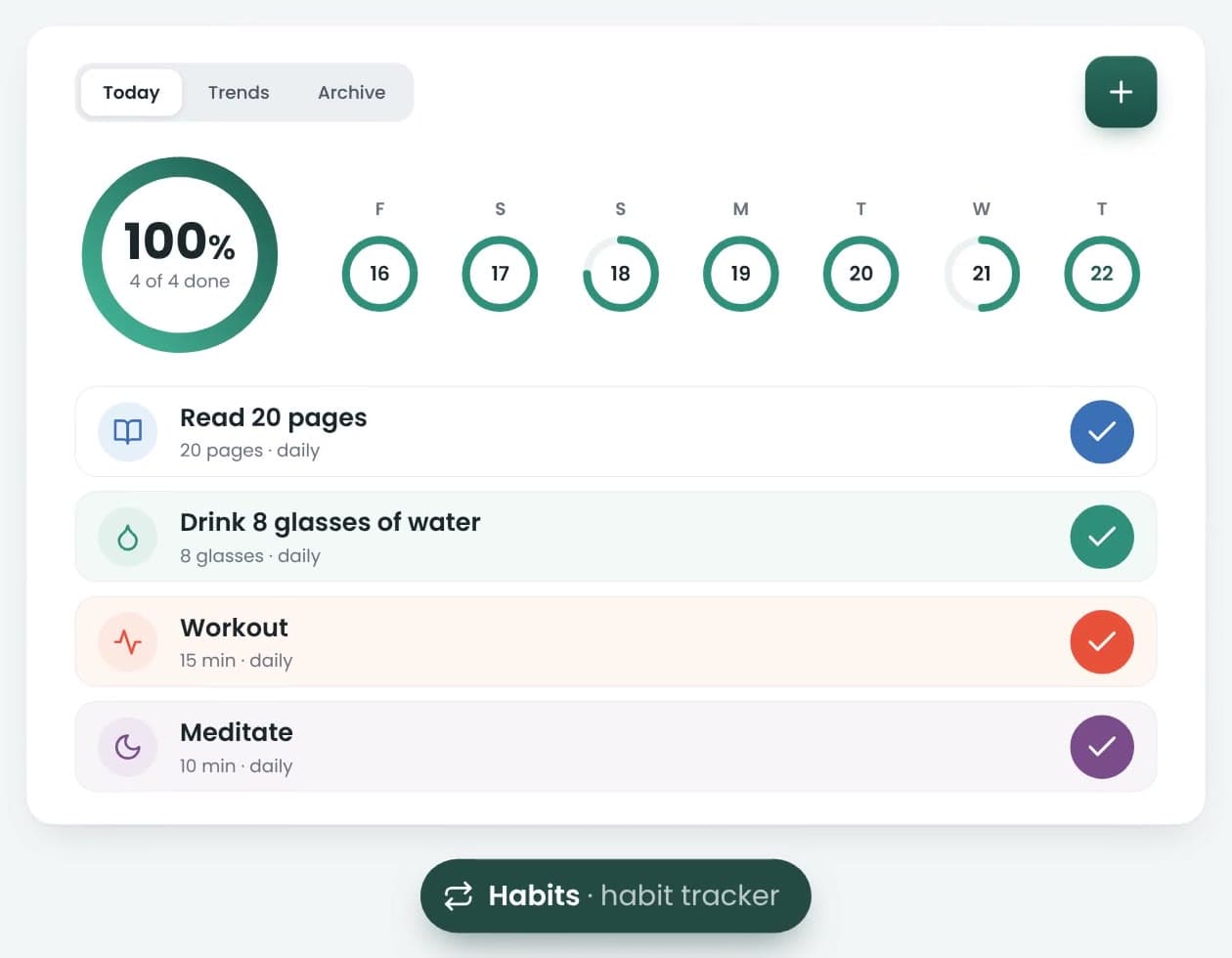
Name the habit, say whether you are building it or breaking it, and tick it each time it goes well.
- Give it a goal and the days it is due — 20 pages daily, the gym three times a week.
- Each habit keeps its own streak, and a ring shows how much of today is done.
- Taking a rest day? Mark it and your streak stays as it is.
How it works
Forgot to tick yesterday? Any day since the habit started can still be filled in, and the streak catches up. A missed day is not recorded anywhere — there is nothing to look back on but the days that went well.
Reminders, a timer for timed habits, lists and a holiday pause are there when you want them.
Step 4 · Crew
Show up together.
Focus is easier when someone is doing it with you. A crew is a small group who focus around the same time — each from wherever they are.
- No video and no screen sharing — you just see who is focusing.
- Join with a code like FC-7QK2M9, or find a public crew.
- Set the days and time you meet, chat, and take on challenges together.
What your crew sees
Your crew sees that you are online or on a break, when you start a session, and how many sessions and how much focus time you put in. Never the titles of your to-dos, unless they are in a project you shared with them.
A crew holds up to 16 people. Whoever starts it gets the invite code; a private crew can only be joined with it, a public one can also be found in search.

Step 5 · Progress
Every session adds up.
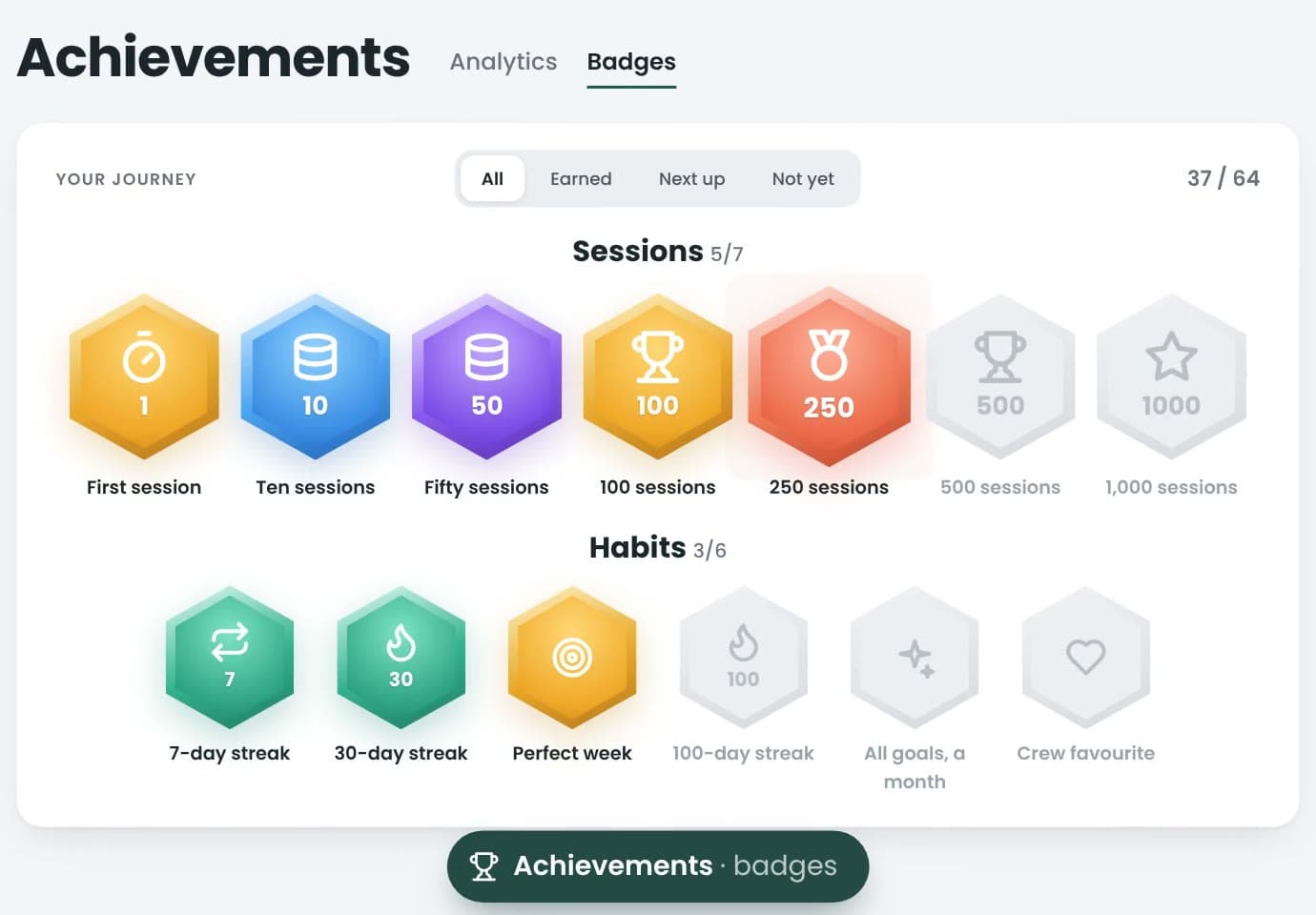
Finished sessions earn XP, XP becomes levels, and showing up on consecutive days builds a streak.
- Badges arrive as you pass milestones — ten sessions, a 7-day streak, level 10.
- Your time in a crew counts toward its total and its shared challenges.
- Achievements shows when you focus best, and what your time went to.
How it works
A crew challenge is one goal the whole crew works toward — fifty sessions this week, say, or twenty hours — and everyone’s sessions count toward the same total. Boards rank people and crews and stop there: nobody is marked as behind.
Missed a day? That’s okay.
A missed day is a normal thing that happens to people who work. Your current streak starts again at one, and your longest run stays exactly where it is.
No red screen, no broken tree, no message about letting your crew down.
- Current run
- 4day
- 4 days in a row
- Longest run
- 12days
- Still yours
Come back tomorrow.
Start with five minutes.
Start focusing