10 Best Pomodoro Timer Apps & Websites in 2026
If you have ever searched for a Pomodoro timer, you have probably noticed that there are dozens of options. Some are simple browser timers, some combine Pomodoro with task management, and others add music, statistics, gamification, or even other people to the experience.
The good news is that you don't need a complicated productivity system to start using Pomodoro. The right tool is usually the one that makes it easy to start a focused session and keeps distractions out of the way.
In this guide, we'll look at 10 Pomodoro timer apps and websites worth trying in 2026, what makes each one different, and which type of user they may suit best.
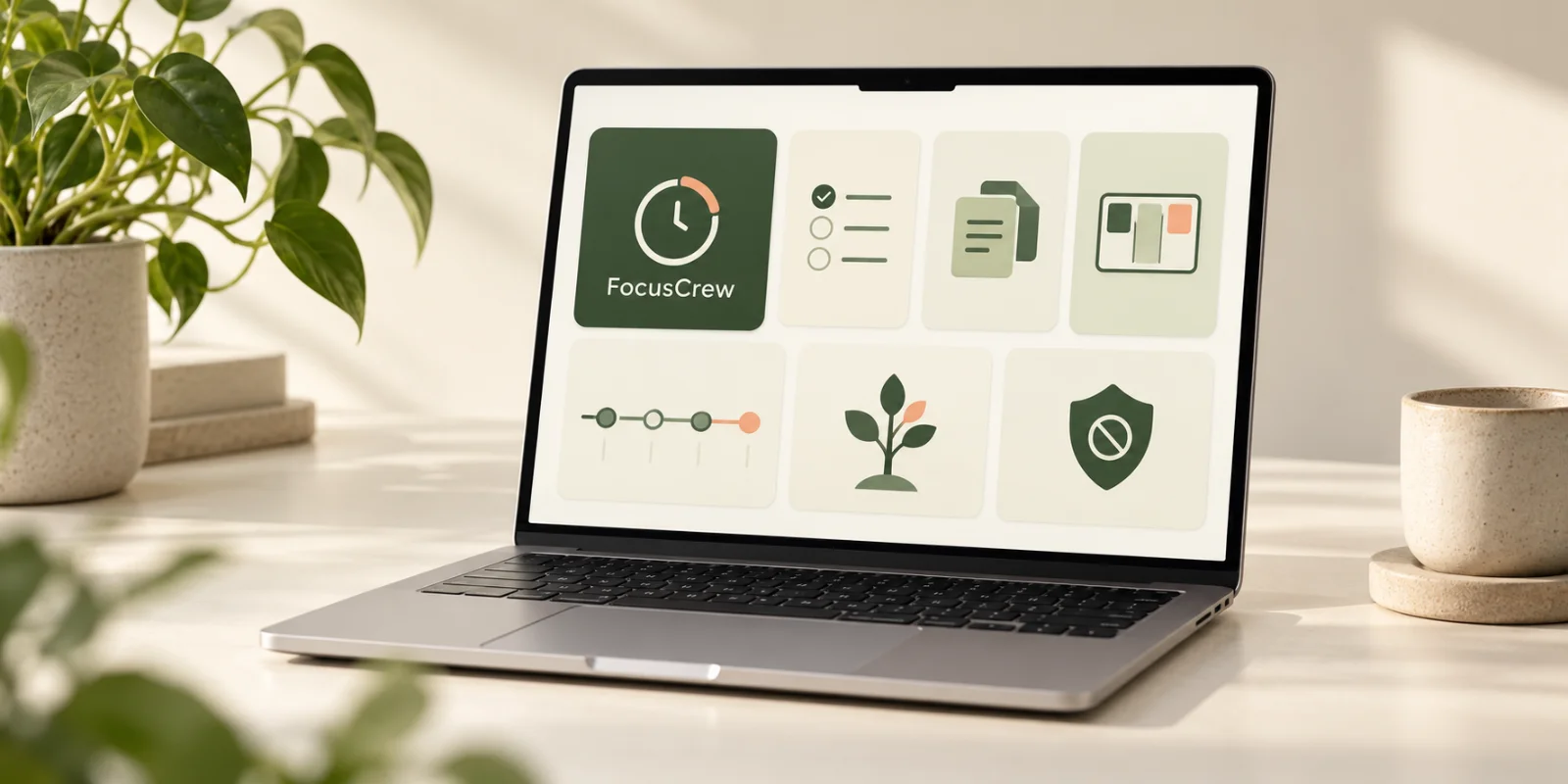
Quick recommendation: If you want more than just a timer, FocusCrew combines Pomodoro-style focus sessions with social body doubling, small focus crews, shared goals, XP, levels, streaks, and badges.
What is a Pomodoro timer?
The Pomodoro Technique is a time-management method based on working in focused intervals separated by breaks.
The traditional format is:
- 🍅 25 minutes of focused work
- ☕ 5 minutes of break
- Repeat
- Take a longer break after several sessions
The 25-minute period is called a Pomodoro, named after the tomato-shaped kitchen timer originally used by Francesco Cirillo.
Modern Pomodoro apps have expanded on the original idea. You can now find timers with customizable intervals, task tracking, statistics, ambient sounds, app blocking, social focus sessions, and gamification.
That means the question isn't really "Which timer is the best?"
It's:
"Which type of focus experience works best for me?"
1. FocusCrew — Pomodoro + Social Focus
Best for: People who want Pomodoro with body doubling, crews, and gamification.
FocusCrew is built around a simple idea:
Focus is easier when someone is doing it with you.
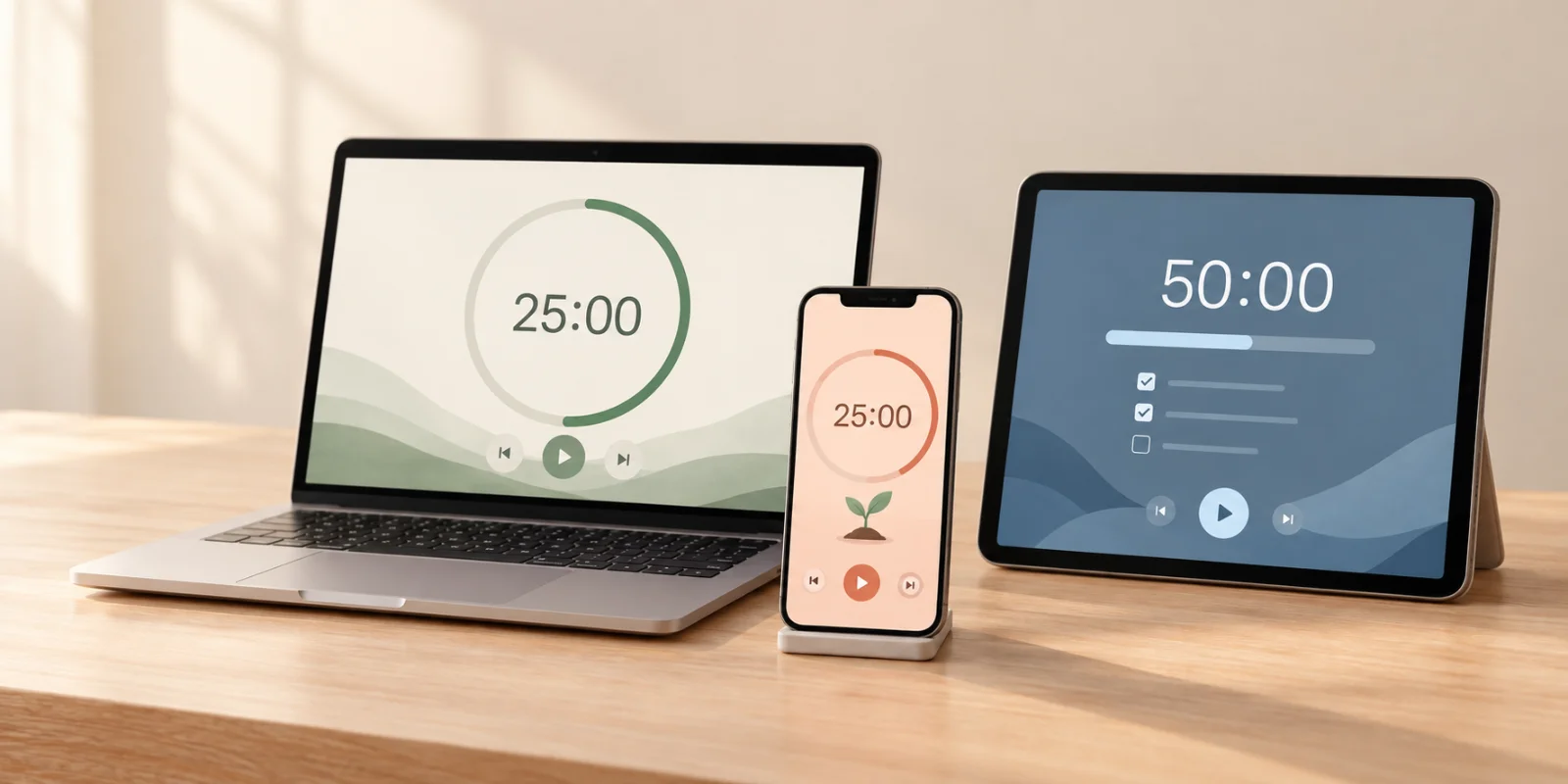
At its core, FocusCrew is a Pomodoro and focus timer. You can choose a 5, 25, 50, or 75-minute session and start working immediately. The classic 25-minute session gives you a traditional Pomodoro experience, while longer sessions work well for deeper tasks. FocusCrew's guide explains the different session options.
But the timer is only part of the experience.
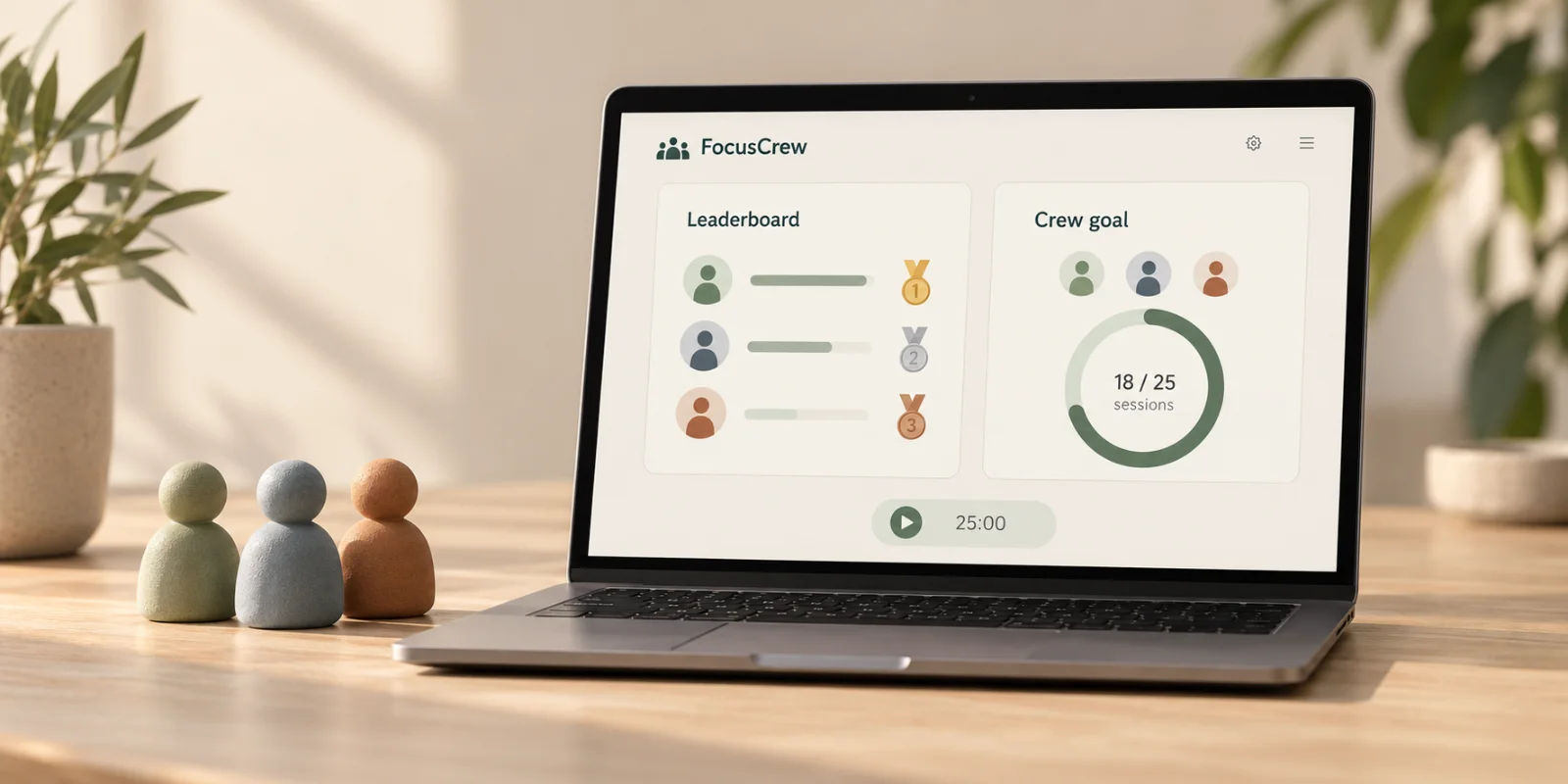
FocusCrew adds social body doubling by allowing people to create small crews and focus alongside each other. Everyone works on their own task, but knowing that other people are focusing at the same time creates a shared sense of commitment.
There is no need to talk, collaborate, or even work on the same thing.
You simply show up and focus together.
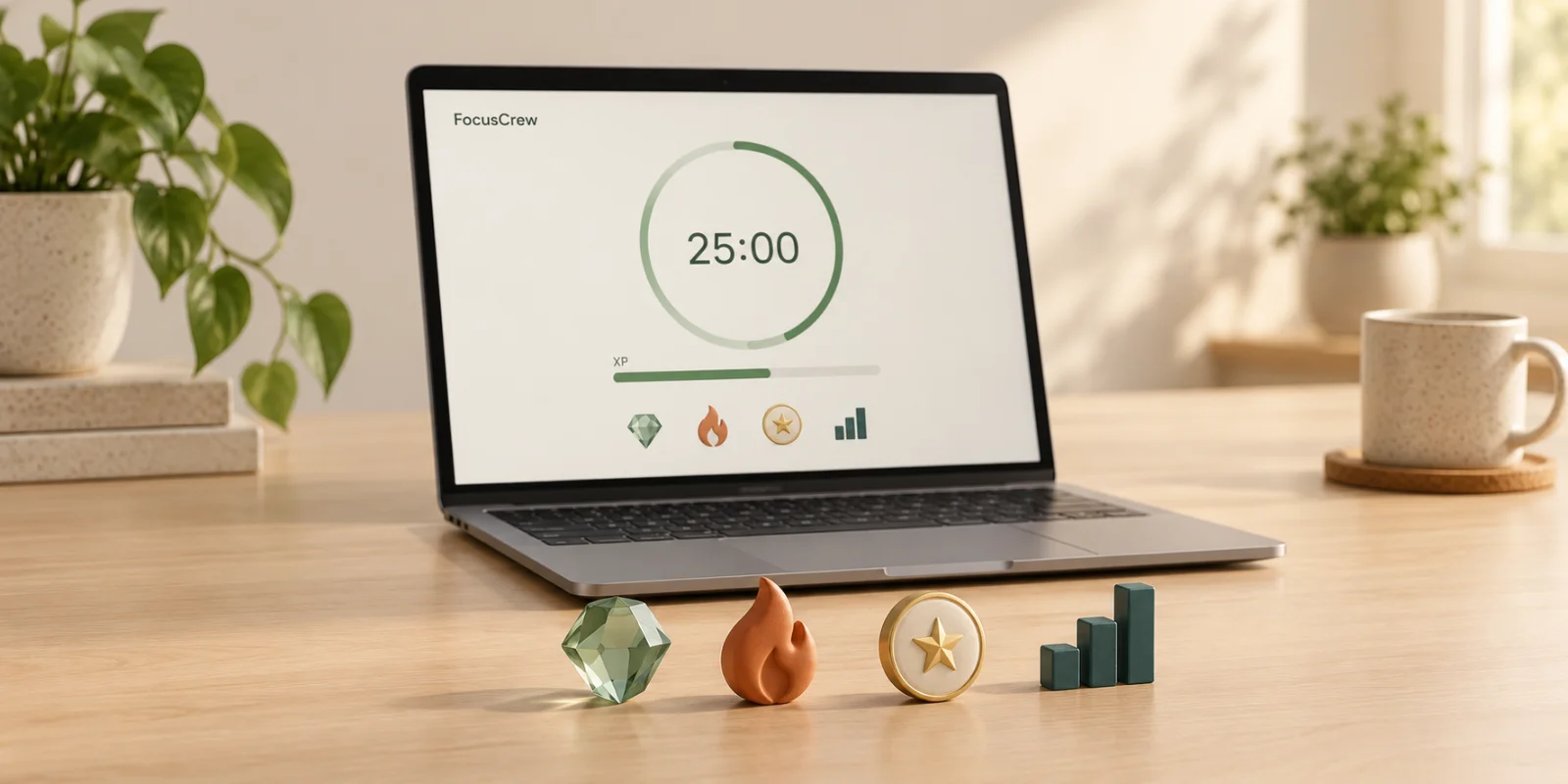
FocusCrew also adds a lightweight gamification system. Completed sessions earn XP, XP contributes to levels, and consistent focus builds streaks and unlocks badges. Crews can also work toward shared focus goals, so individual sessions contribute to something bigger than your own timer. See how FocusCrew works.
- 🍅 25-minute Pomodoro sessions
- ⏱️ 5, 25, 50, and 75-minute focus sessions
- 👥 Social body doubling
- 👨👩👧 Small focus crews
- 🎯 Shared crew goals
- ⭐ XP and levels
- 🔥 Focus streaks
- 🏆 Badges and challenges
- 📊 Personal focus tracking
- 🎵 Focus sounds and backgrounds
If you like the simplicity of Pomodoro but find it difficult to stay accountable when working alone, FocusCrew is an interesting alternative to a traditional timer.
Best fit: Students, remote workers, developers, creators, freelancers, and anyone who finds it easier to focus when other people are focusing too.
2. Pomofocus — Simple Online Pomodoro Timer
Best for: People who want a straightforward browser-based Pomodoro timer.
Pomofocus is one of the simplest ways to start using Pomodoro directly from your browser.
You can create tasks, estimate how many Pomodoros they will take, start the timer, and track your progress.
It also provides visual reports showing your focus time over different periods and allows you to customize focus and break durations. Premium features add things such as project tracking, yearly reports, CSV exports, and integrations. (Pomofocus)
- Simple interface
- Works in a browser
- Task management
- Custom focus and break durations
- Focus reports
- Templates
- Optional integrations
Best fit: Anyone who wants a traditional Pomodoro experience without a large productivity platform.
3. Forest — Gamified Focus With Trees
Best for: People motivated by visual rewards and gamification.
Forest takes a very different approach to the Pomodoro concept.
Instead of simply watching a timer count down, you plant a virtual tree when you start focusing. Your tree grows while you stay focused, creating a visual representation of your time.
If you leave the focus session or use blocked apps during certain focus modes, the tree can die.
Over time, your completed sessions create a virtual forest representing your focused time. Forest also offers app blocking, focus analytics, group focus, challenges, and ambient sounds. The company says more than 60 million people have used Forest since its launch. (Forest)
Forest also connects virtual focus with real-world tree planting through its partnership with Trees for the Future.
- 🌳 Visual focus rewards
- 📱 App blocking
- 📊 Focus analytics
- 👥 Group focus
- 🏆 Challenges
- 🌱 Real-world tree planting
Best fit: People who enjoy visual progress and game-like motivation.
4. Flocus — Aesthetic Pomodoro Workspace
Best for: People who want their focus timer to feel like a complete digital workspace.
Flocus combines a customizable Pomodoro timer with visual environments, sounds, tasks, and focus statistics.
You can choose between different timer modes, including Pomodoro, countdown, stopwatch, Animedoro, and 52/17. Focus and break lengths can be customized to match your workflow. (Flocus)
One of its biggest differentiators is the visual experience. You can combine the timer with themes, ambient soundscapes, music, and backgrounds.
- 🍅 Customizable Pomodoro
- 🎨 Visual themes
- 🎧 Soundscapes and music
- ✅ Tasks
- 📊 Focus statistics
- ⏱️ Multiple timer modes
Best fit: People who enjoy creating a calm, personalized digital workspace.
5. Focusmate — Virtual Body Doubling
Best for: People who need another person present to stay accountable.
Focusmate approaches productivity from a different direction.
Instead of focusing primarily on a Pomodoro timer, it focuses on virtual coworking and body doubling.
You book a session and get paired with another person who also wants to get something done. You briefly tell each other what you're going to work on, then work independently alongside each other.
Focusmate currently offers 25, 50, and 75-minute sessions, making it possible to use a Pomodoro-style 25-minute session or longer work blocks. (Focusmate)
- 👥 Live body doubling
- 🌍 Global community
- ⏱️ 25, 50, and 75-minute sessions
- 📅 Session scheduling
- 🤝 Accountability
- 💻 Works directly in the browser
Best fit: People who struggle with task initiation or staying accountable when working alone.
6. LifeAt — Pomodoro + Virtual Workspace
Best for: People who want Pomodoro combined with an immersive digital workspace.
LifeAt is more than a Pomodoro timer. It combines focus timers with virtual workspaces, ambient backgrounds, music, notes, to-do lists, calendars, and virtual coworking.
Its Pomodoro timer supports customizable work and rest intervals and can automatically transition between focus and break periods. LifeAt also offers both personal and group Pomodoro sessions. (LifeAt)
- 🍅 Pomodoro timer
- 🏝️ Virtual workspaces
- 🎵 Ambient sounds
- 📝 Tasks and notes
- 📅 Calendar
- 👥 Group Pomodoro
- ⏱️ Custom intervals
Best fit: People who want a full digital environment around their focus sessions.
7. Marinara Timer — Simple and Shareable
Best for: People who want a lightweight timer that can be shared with others.
Marinara Timer is a browser-based timer inspired by the Pomodoro Technique.
It supports the traditional Pomodoro structure as well as customizable timer sequences. One interesting feature is that timers can be shared across multiple computers, making it useful for groups that want to follow the same focus schedule. (Marinara Timer)
- Simple browser interface
- Traditional Pomodoro
- Custom timer sequences
- Shareable timers
- Group-friendly
Best fit: People who don't need task management, statistics, or a large productivity platform.
8. Focus To-Do — Pomodoro + Task Management
Best for: People who want their Pomodoro timer connected closely to their task list.
Focus To-Do combines the Pomodoro Technique with task management.
Instead of starting a timer independently from your to-do list, you can connect focus sessions directly with the tasks you're working on.
This approach can be useful if your biggest problem isn't understanding Pomodoro, but actually deciding what to work on next.
- 🍅 Pomodoro timer
- ✅ Task management
- 📊 Productivity tracking
- 🔔 Reminders
- 📅 Planning features
Best fit: People who want their focus timer and task list in the same workflow.
9. LifeAt / Ambient Focus Tools — For People Who Need an Environment
Sometimes a timer isn't the problem.
You know how long you should work. You just don't feel like you're in a focused environment.
Tools that combine Pomodoro with ambient environments, music, and visual scenes can help create a stronger separation between normal browsing and focused work.
LifeAt is one example, offering Pomodoro alongside virtual workspaces, music, sound, and visual environments. (LifeAt)
This category is particularly interesting for people who work remotely and don't have a physical office or coworking environment to create a boundary around work.
10. A Simple Timer — Sometimes Less Is More
Best for: People who don't want another productivity app.
You don't necessarily need a specialized productivity platform to use Pomodoro.
A basic timer can be enough:
- Choose a task.
- Set 25 minutes.
- Put your phone away.
- Work on one thing.
- Take a short break.
- Repeat.
The advantage of a simple timer is that there is almost nothing to configure.
The disadvantage is that you won't get features such as task tracking, statistics, accountability, body doubling, gamification, or progress history.
And that's exactly why different Pomodoro tools exist: people need different levels of structure.
Which Pomodoro Timer Should You Choose?
There isn't one Pomodoro app that is right for everyone.
It depends on what you need from your focus sessions.
| Tool | Best for | Pomodoro | Social focus | Gamification | Task management | |---|---|:---:|:---:|:---:|:---:| | FocusCrew | Pomodoro + body doubling | ✅ | ✅ | ✅ | ✅ | | Pomofocus | Simple online timer | ✅ | ❌ | ❌ | ✅ | | Forest | Visual gamification | ✅ | ✅ | ✅ | ❌ | | Flocus | Aesthetic workspace | ✅ | ❌ | ◐ | ✅ | | Focusmate | Virtual body doubling | ◐ | ✅ | ❌ | ❌ | | LifeAt | Virtual workspace | ✅ | ✅ | ◐ | ✅ | | Marinara Timer | Simple/shared timer | ✅ | ◐ | ❌ | ❌ | | Focus To-Do | Tasks + Pomodoro | ✅ | ❌ | ◐ | ✅ |
The right choice depends on the problem you're trying to solve.
If you just need a timer, Pomofocus may be enough.
If you want visual motivation, Forest is worth exploring.
If you want an immersive workspace, Flocus or LifeAt may be a better fit.
If you need another person to help you stay accountable, Focusmate is designed specifically around virtual coworking.
And if you want to combine Pomodoro + social body doubling + gamification, that's where FocusCrew takes a different approach.
Why FocusCrew Is Different
Most Pomodoro timers solve one problem:
"How long should I work?"
FocusCrew tries to solve another problem as well:
"How do I actually show up and focus?"
You can start with a simple 25-minute Pomodoro session. But instead of working completely alone, you can join a small crew where everyone focuses on their own work at the same time.
Your sessions contribute to your personal progress and, when you're working with a crew, to shared goals.
You earn XP by completing sessions, build streaks by showing up consistently, and unlock badges as you reach milestones.
The idea isn't to turn productivity into a competition.
It's to make showing up for focused work feel a little easier — and a little more social.
Start a free focus session on FocusCrew →
Final Thoughts
The Pomodoro Technique has remained popular because the basic idea is simple: work with intention for a defined period, then take a break.
But the best Pomodoro experience depends on what happens around the timer.
For some people, a minimal timer is perfect. Others need tasks, statistics, ambient sounds, app blocking, visual rewards, or another person working alongside them.
That's why it's worth trying a few different approaches.
Start with the classic 25-minute Pomodoro. See how it feels. Then experiment with longer sessions, different breaks, social focus, or gamification.
The goal isn't to find the most complicated productivity system.
It's to find a system that makes it a little easier to start, focus, and come back tomorrow.
Ready to Focus?
If you're looking for a Pomodoro timer that combines focused work with social body doubling and lightweight gamification, give FocusCrew a try.
Start with 5 minutes. Or 25. Just start.